
Claude Design export to a WordPress theme in the html2wp app
You can turn a design from Claude Design into WordPress in the html2wp app on a Mac, without a terminal. For the Claude Design export, you save the design as HTML. Then you add it to the app, pick Flash or Full, and at the end you download a WordPress theme that looks like your design.
What you need to convert Claude Design to WordPress in the app
- A Mac with Apple silicon (M1 or newer) and macOS 12 or later.
- A ChatGPT account. The AI on your own subscription does the conversion, so you don't pay us for credits.
- Your Claude Design export: the design saved as an HTML file. If you have several pages, save each one as a separate file.
HTML from Claude is the shortest route to a theme, because the app doesn't have to build it or open it in a browser first. The free tier converts three sites of up to five pages each. For client work you need a Pro licence from the pricing page.
Installation, environment and sign-in
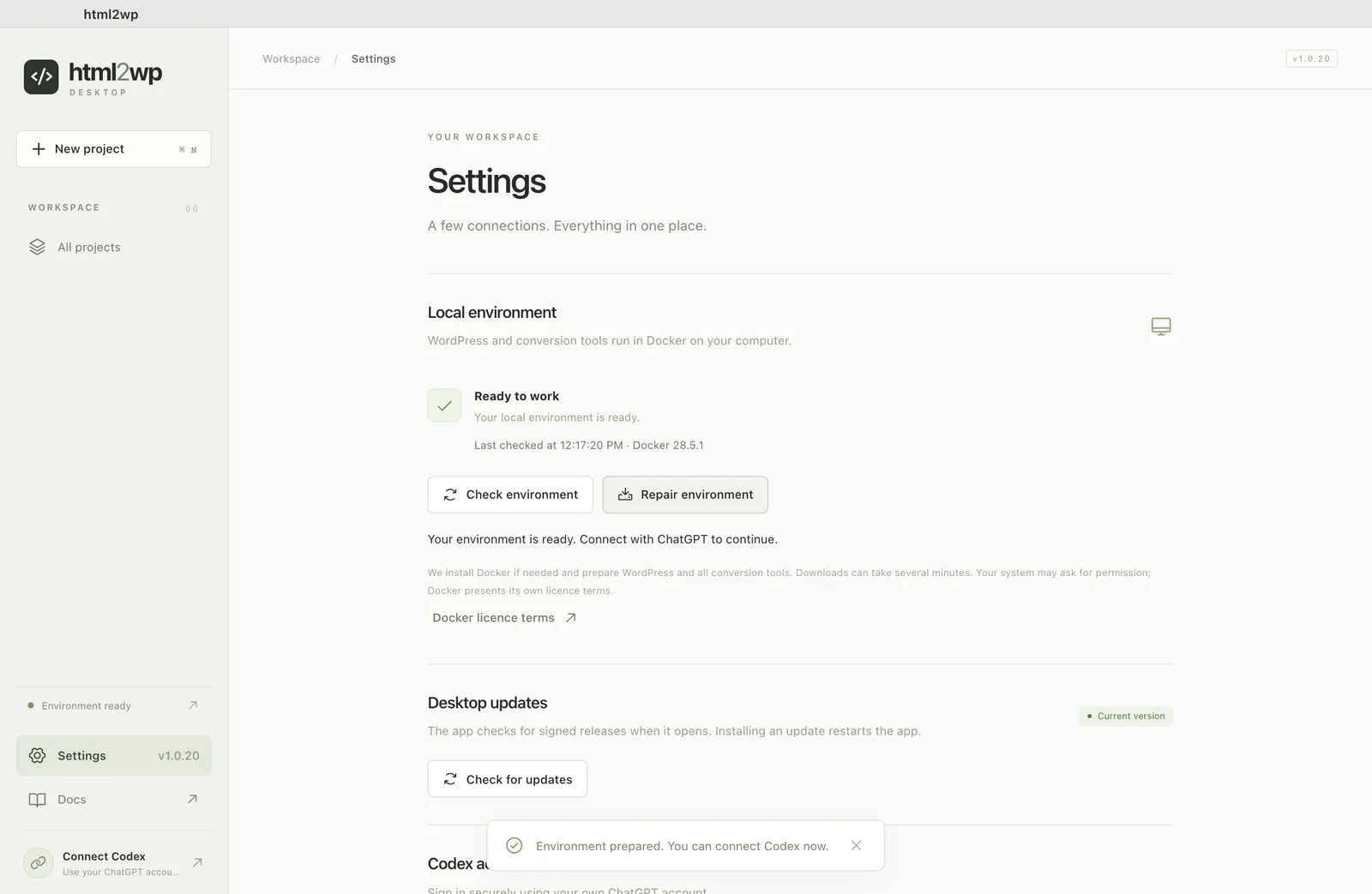
Download the app for Mac and move it to the Applications folder. In Settings, click Prepare environment, and the app downloads Docker and the conversion environment. Then sign in with Connect with ChatGPT. The Lovable guide for the app covers each of these steps in detail with screenshots, and for Claude they are the same.
Claude Design export into the app
For the Claude Design export, download the artifact in Claude as an .html file. Create a folder and save the file in it as index.html. If the design links to images that are not inside the file, put them in the same folder, in the places the code expects. Other pages, such as About or Contact, go next to it as about.html and contact.html. The app works out from the file name which page is which.
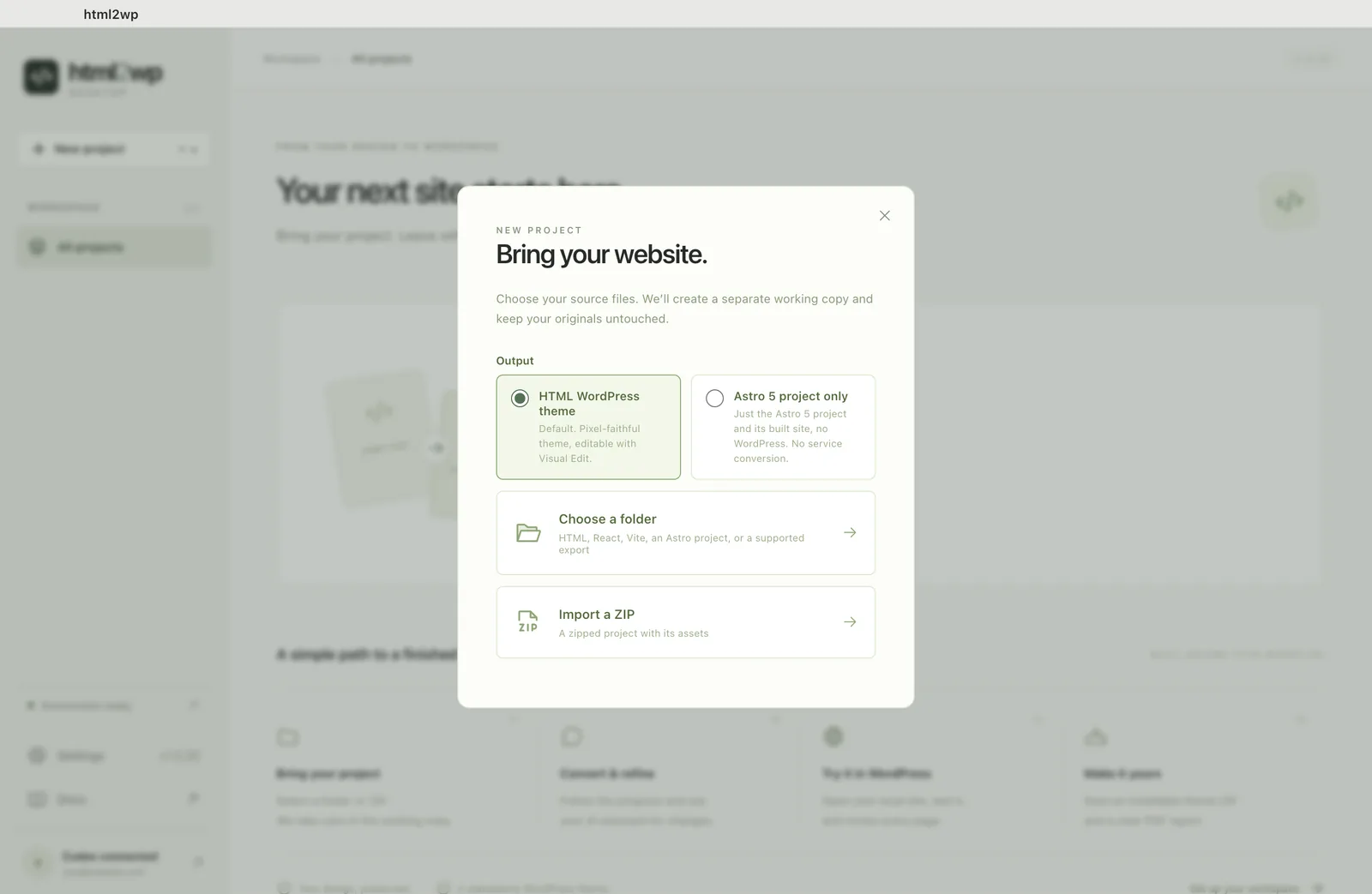
In the app, click New project (⌘N), keep HTML WordPress theme as the output and pick Choose a folder. If you have zipped the folder, use Import a ZIP instead.
Flash or Full for the WordPress theme
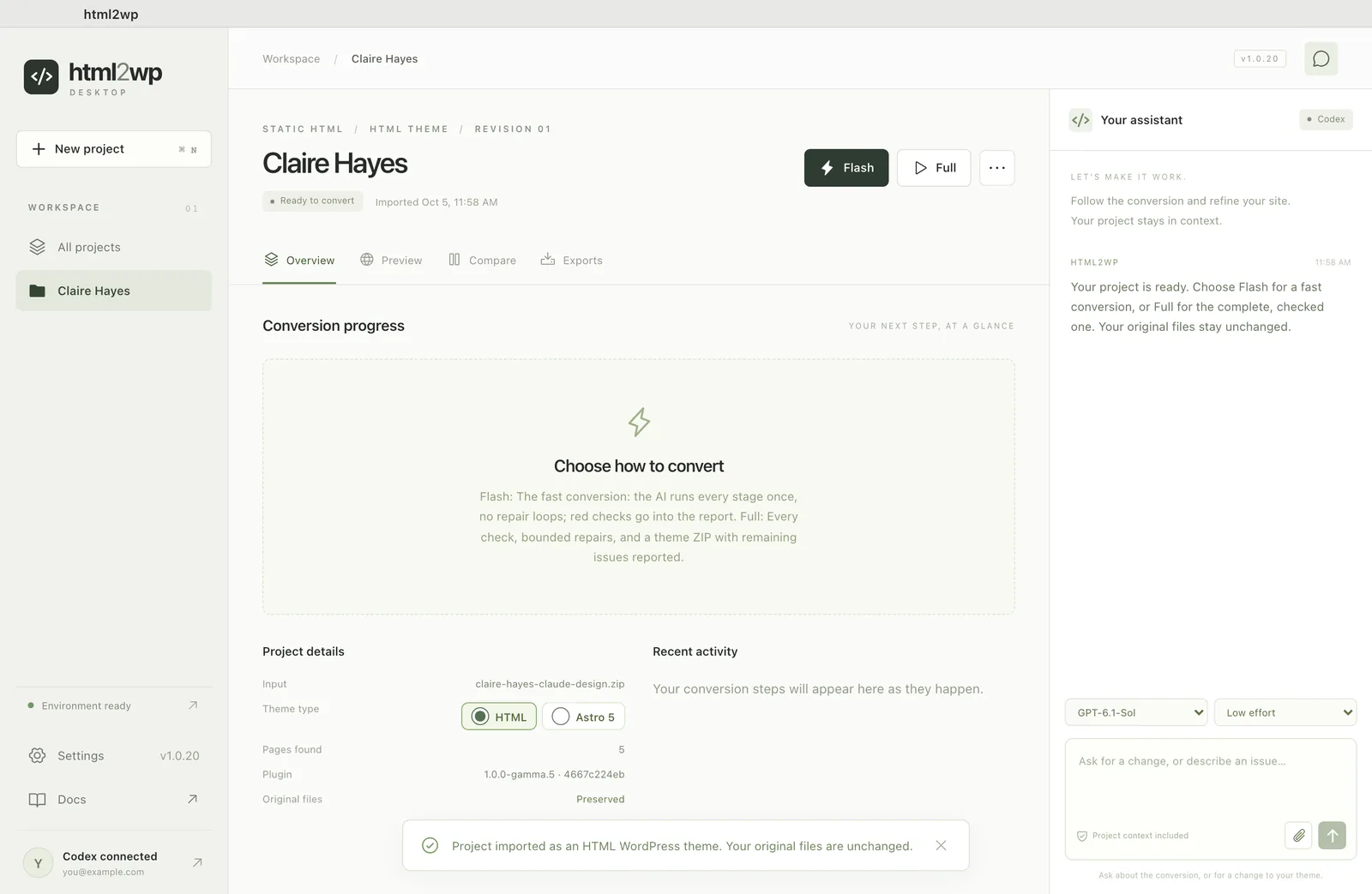
Flash is the default: each step runs once, and it takes about half an hour. Full runs every check and tries to fix errors, so it takes about an hour. A one-page design tends to sit at the shorter end, but the checks still run in full.
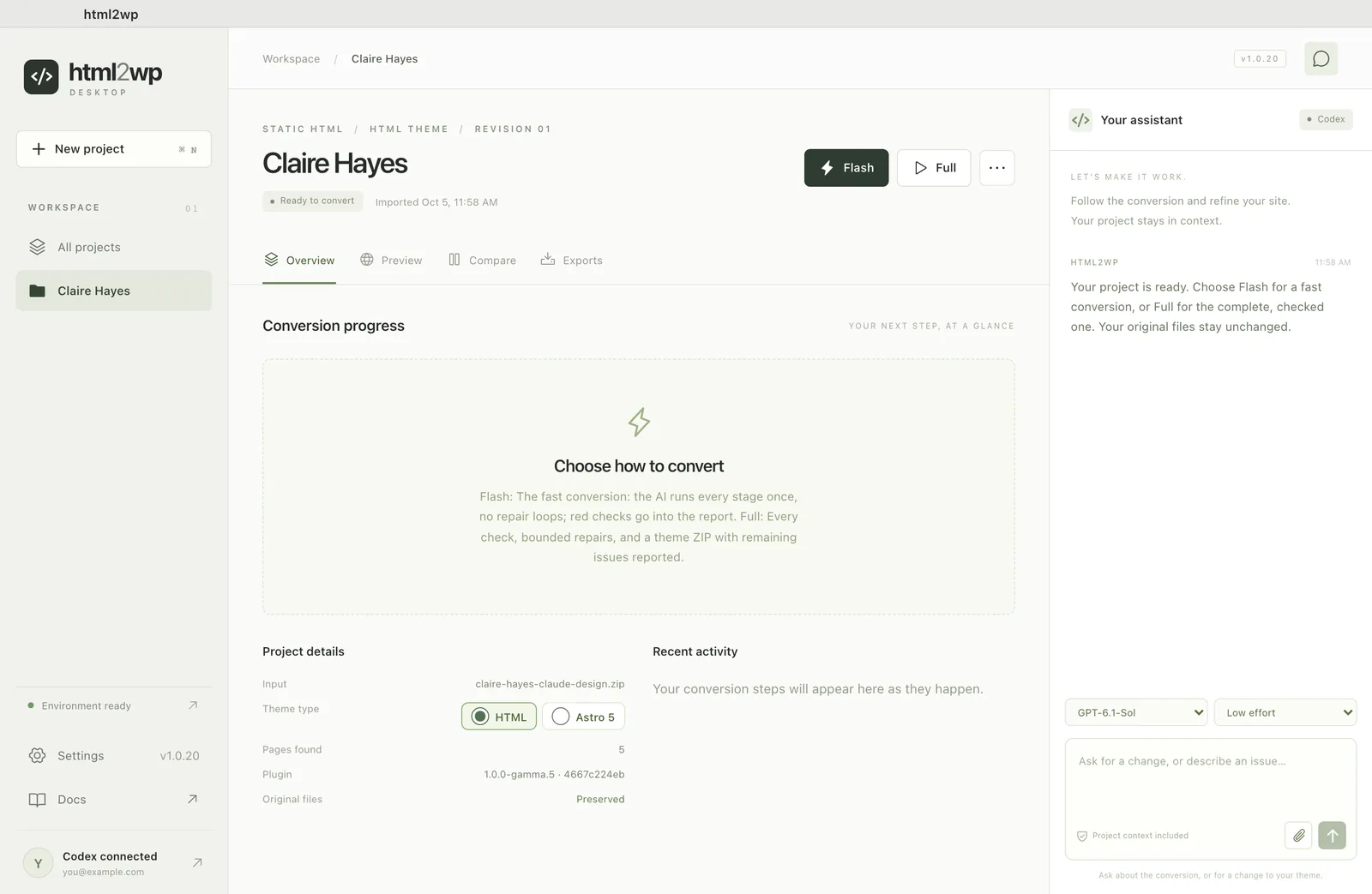
During the conversion, the Overview tab shows what the app is doing. To pause it, click Stop conversion, then pick it up again with Continue.
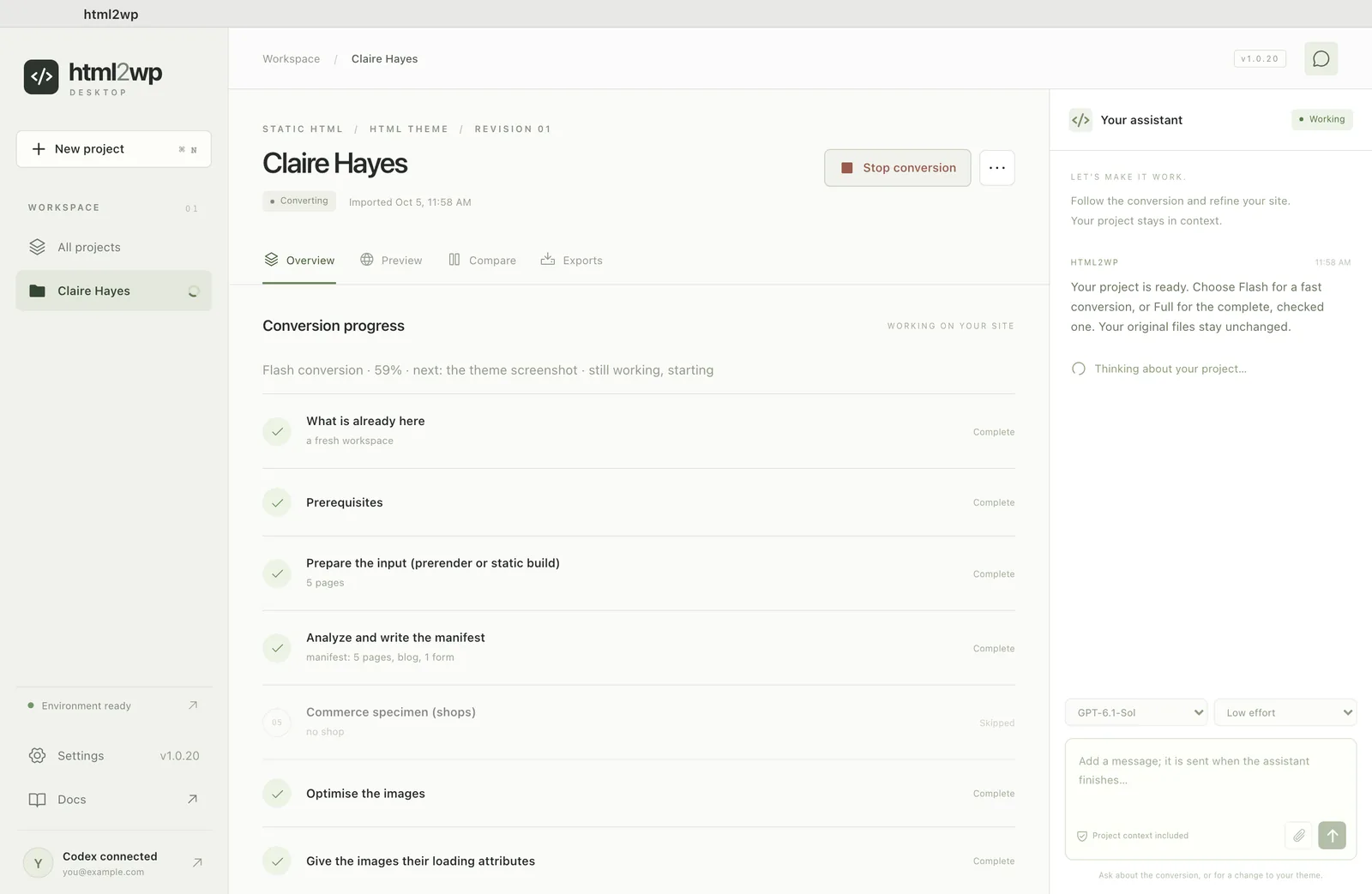
Checking the design in the app
The Compare tab shows the original and the WordPress version side by side, at desktop and mobile width. Look through every page, because automatic checks catch most differences, but not all. If something doesn't match, write it in the chat. The change happens in the preview, and then Make release packages a new version of the theme.
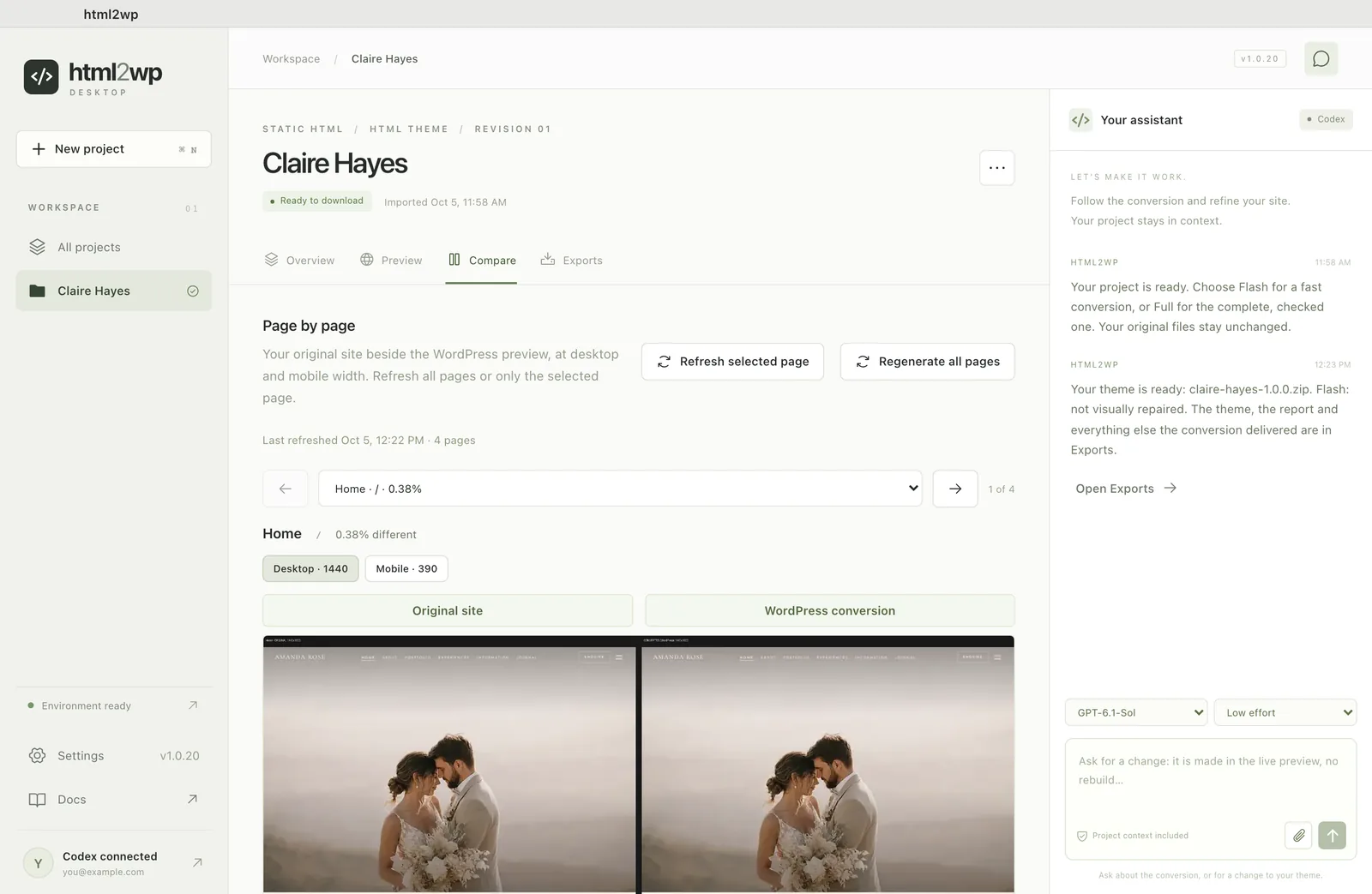
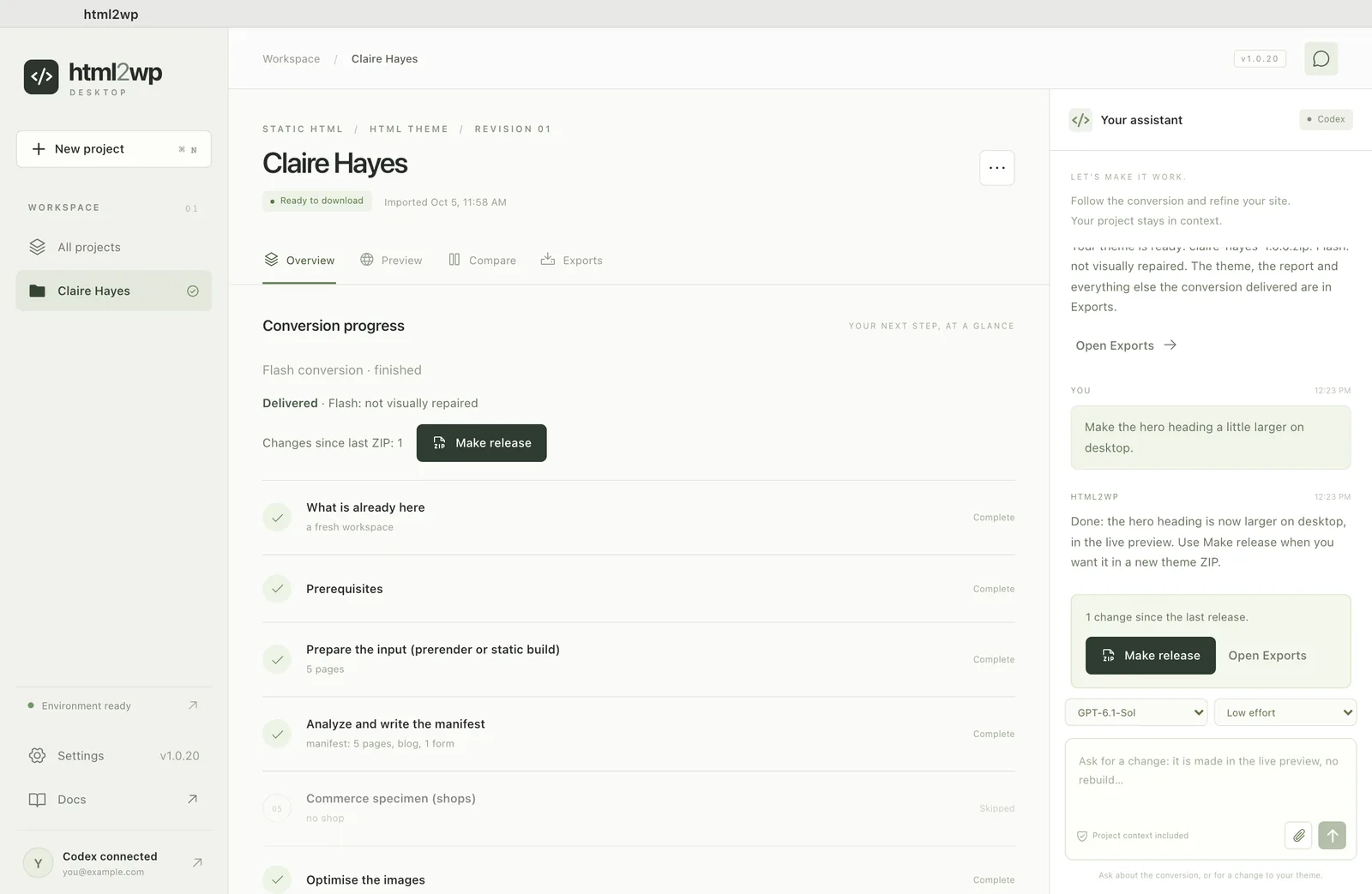
Exporting the theme from Claude Design to WordPress
In the Exports tab, click Save next to the WordPress theme and store the ZIP. In WordPress, you upload it under Appearance → Themes → Add New → Upload Theme. The theme stands on its own: pages, forms, menus and SEO work without a plugin.
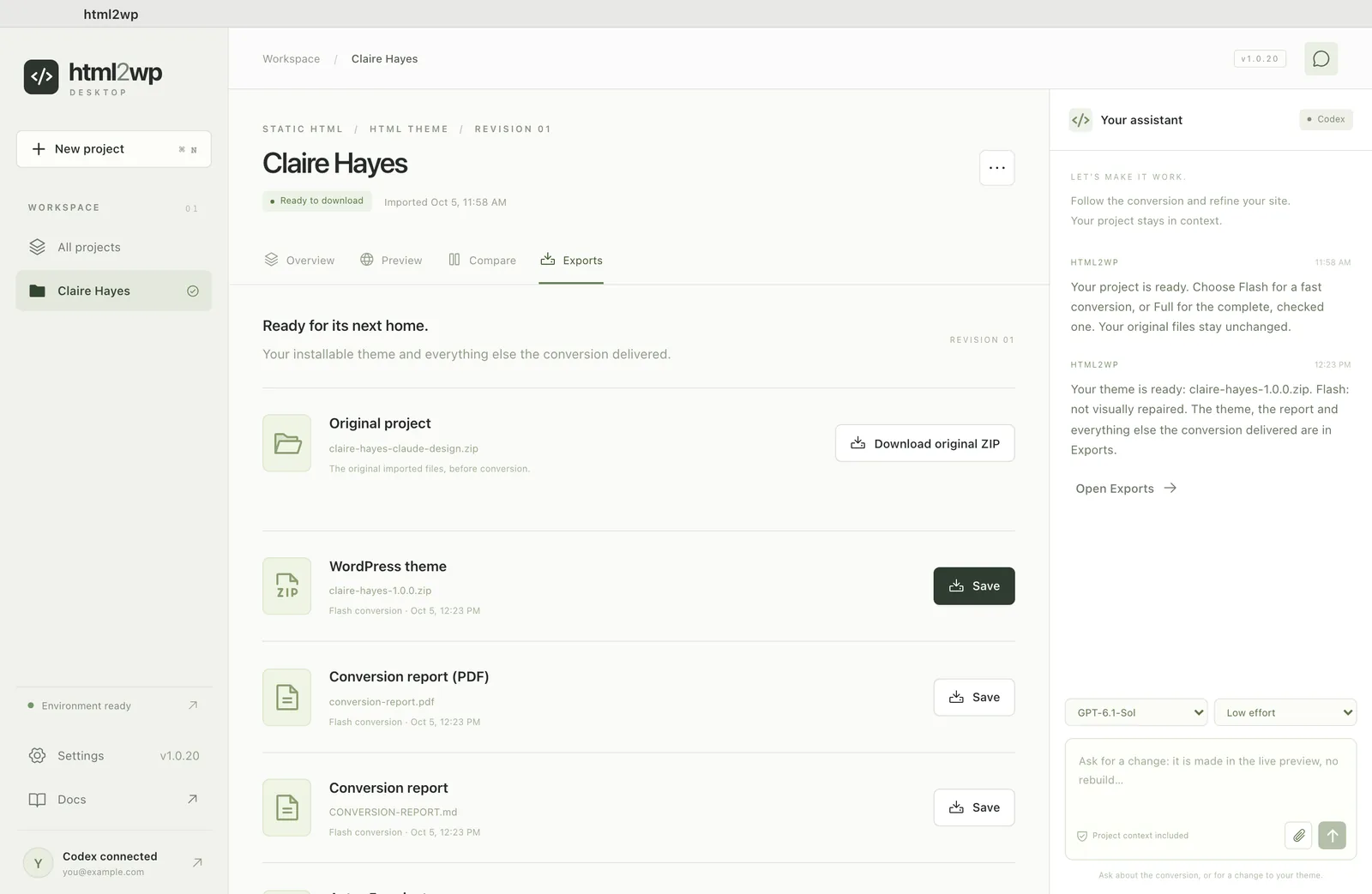
The Visual Edit editor adds click-to-edit for your client. If you work in the terminal, the guide with the plugin for Claude Code and Codex covers the same conversion.